
What this page is for
Invoices is the customer’s billing history — every charge the studio has put against their card, what it was for, and the date it was paid. They use this page to:
- Find a receipt for a purchase (e.g. for expense claims)
- Reconcile their card statement against your charges
- Check whether a recent subscription renewal went through
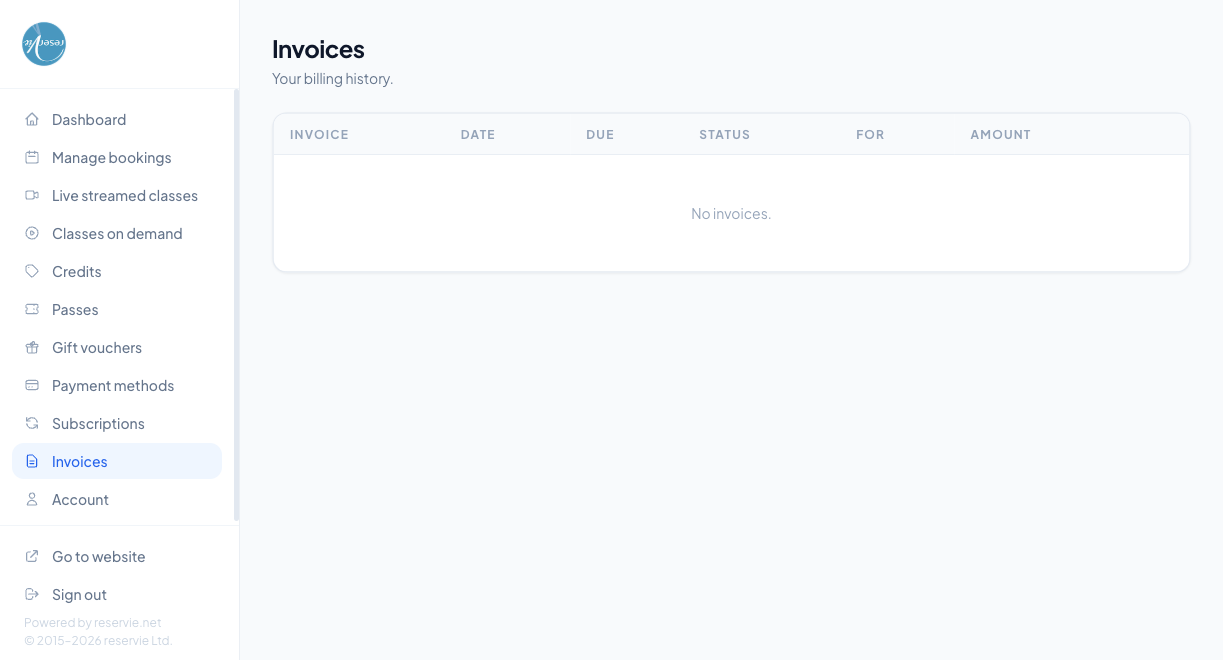
What the table shows
| Column | Notes |
|---|---|
| Invoice | Invoice number / reference |
| Date | When the invoice was raised |
| Due | When payment was due — in most cases the same as Date because charges are taken at point of sale |
| Status | Paid, Refunded, Failed, Partial refund |
| For | What the invoice covers (e.g. Monthly Gold Pass, Single class — Morning Yoga) |
| Amount | The amount paid |
If the customer has no invoice history, the table shows “No invoices.”
Downloading an invoice
Clicking a row opens the invoice detail. Most studios make a PDF receipt downloadable from there. The PDF carries your business name, address, and registration / VAT number from admin Settings → Configuration.
How invoices are generated
A new invoice is created automatically every time a card charge happens — at one-off checkout, on subscription renewal, on recurring pass renewal. There’s no manual invoice generation from the customer portal.
Common scenarios
”I bought something but it’s not in my invoices.”
A few possibilities:
- The purchase was paid by credit or pass, not card — only card charges generate invoices. The customer can verify this by checking Credits and Passes.
- The purchase was very recent (less than a minute) — wait and refresh
- The purchase failed and was never charged
”My status is showing Refunded but the money isn’t back on my card.”
Refunds typically appear on the card statement within 5–10 working days, depending on the issuer. If it’s been longer, check the corresponding refund record in admin Customer Manager → (customer) → Invoices — the refund should show as completed on Stripe’s side.
”Can I get a VAT invoice?”
The PDF receipt includes any registered VAT number you’ve added to admin Settings → Configuration. If your studio isn’t VAT-registered, the receipt won’t show a VAT line — which is correct.
Where to go next
- Subscriptions — the most common source of recurring invoices
- Payment Methods — the cards being charged
- Credits and Passes — purchases paid from these don’t create invoices